0-to-1 · Concept · Ecommerce
Build Your Look —
personalised kit builder.
- My role
- Lead designer, end-to-end
- Type
- Concept / 0-to-1
- Entry point
- Product & category pages
- Focus
- Personalisation + retention
At a glance
The problem
Customers browse in isolation. Every item is a separate decision.
Browse shirt → add to bag
Browse trousers → add to bag
Browse shoes → add to bag
No context. No cohesion. No confidence.
The solution
A single experience to build, see, and buy a complete look.
Personalised model →
Smart size suggestions →
Save look + notifications →
↑ AOV · ↓ returns · ↑ retention
01 · The brief
No brief. A blank canvas.
This project started with a question, not a spec: what would it look like if a premium fashion retailer let customers build a complete look — and made the whole experience feel personal rather than transactional?
I used a retailer like Massimo Dutti as the context to ground realistic constraints: a high-trust, premium positioning, a customer who knows quality but wants guidance, and a business that cares about both conversion and brand perception.
The core tension I set out to solve
Rich personalisation experiences tend to fail at onboarding. The more information you ask for upfront — gender, height, body type, measurements, skin tone — the more friction you create before someone has seen a single product. But without that information, the experience is generic and the sizing suggestions are meaningless.
The design challenge was: how do you make the onboarding feel worth it before the user has seen the payoff?
"The onboarding isn't a gate. It's the first moment the product starts working for you."
Live prototype
Try the full experience
Built in Figma. Interact with the onboarding flow, dress the model, and save your look.
1. Fill in the onboarding form
2. Select clothing items by category
3. Watch the model update as you build
4. Save look & see retention hooks
02 · Screen 1 — Entry point
Starting where intent already exists
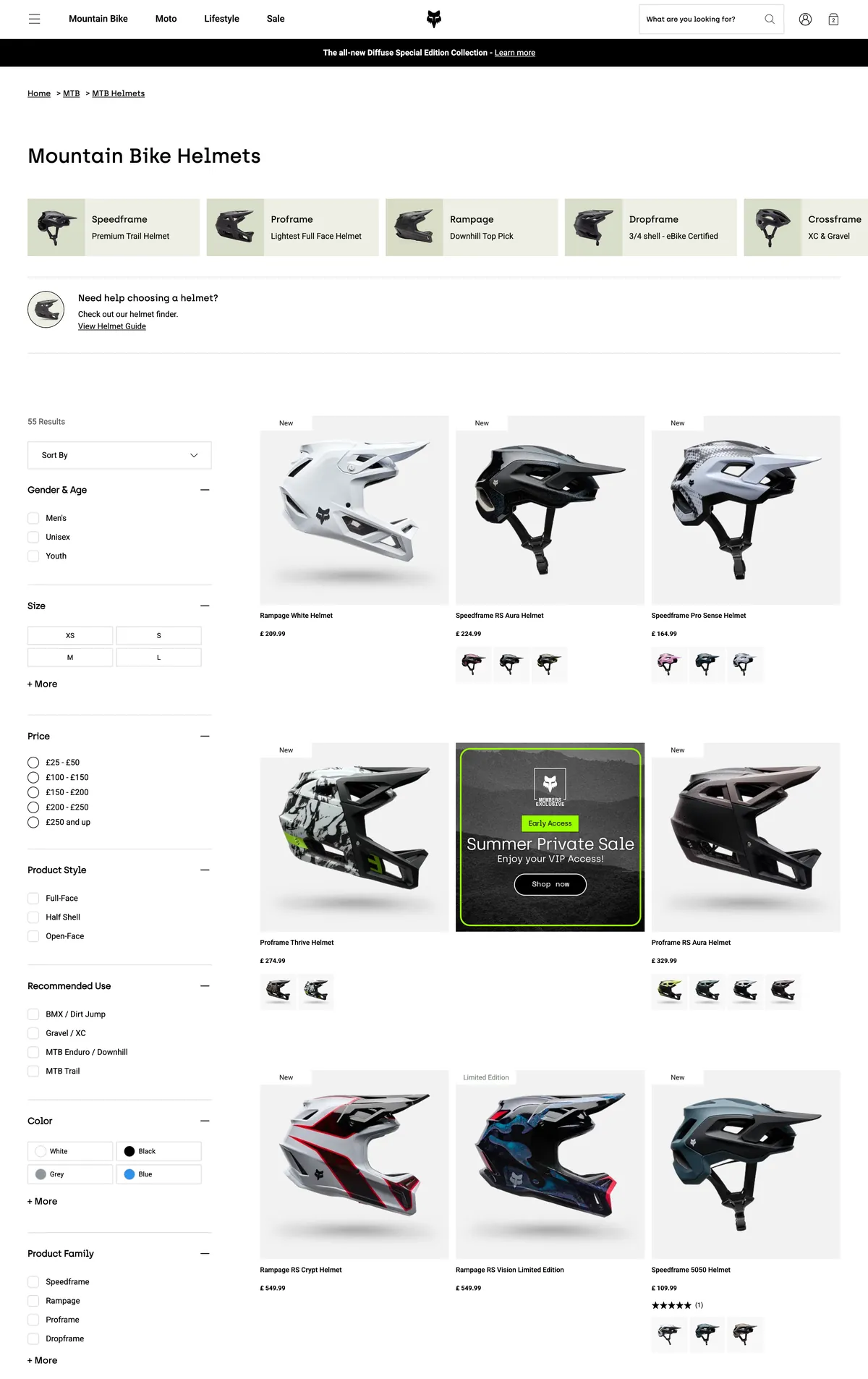
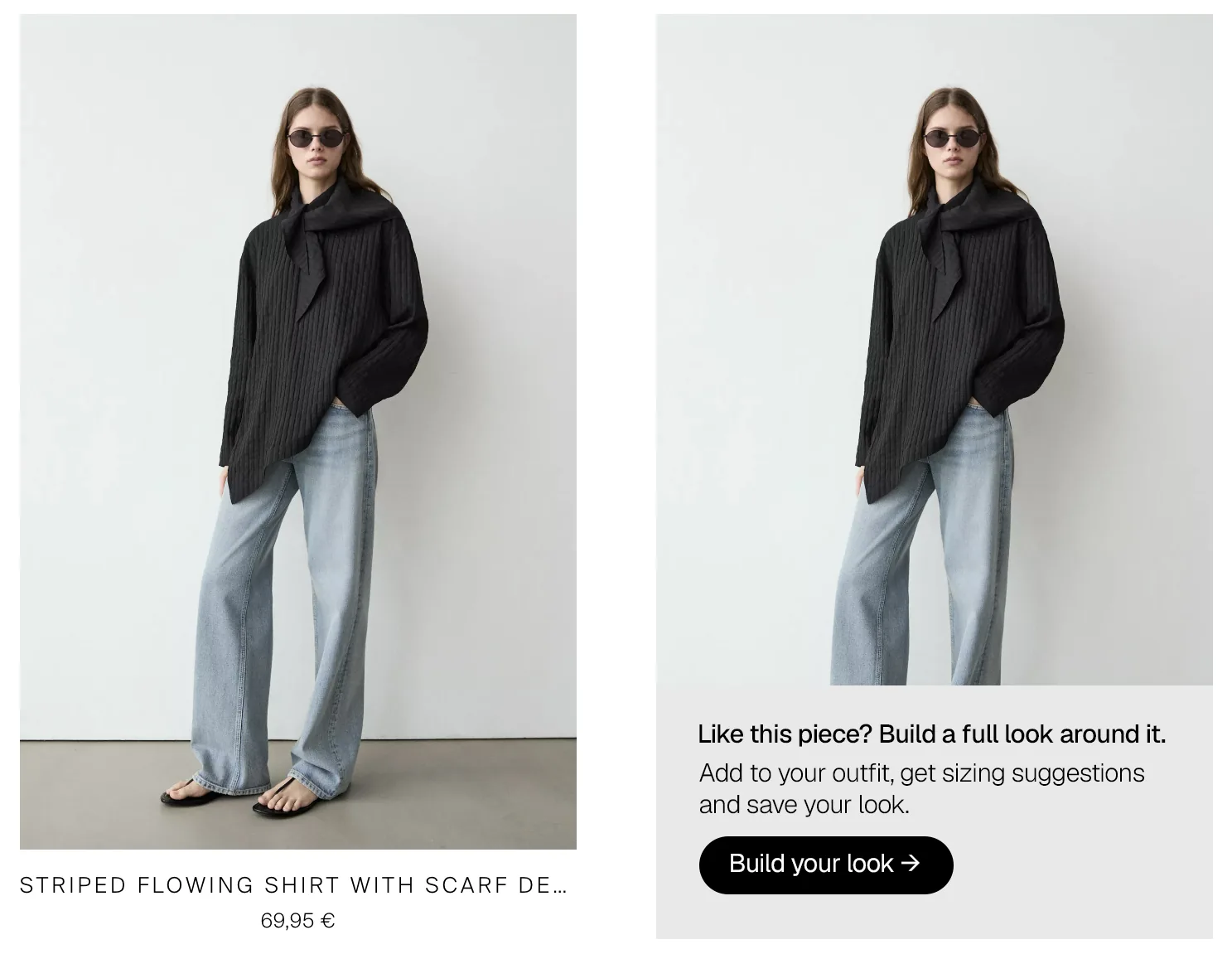
Rather than a standalone tool buried in the nav, the entry point lives on product and category pages — surfacing the "Build Your Look" CTA right when a customer is already considering an item. The intent is already there; we just extend it.
This also means the first item in the builder is pre-seeded with whatever they were looking at, which removes the blank-canvas paralysis of a standalone tool.
03 · Screen 2 — Onboarding
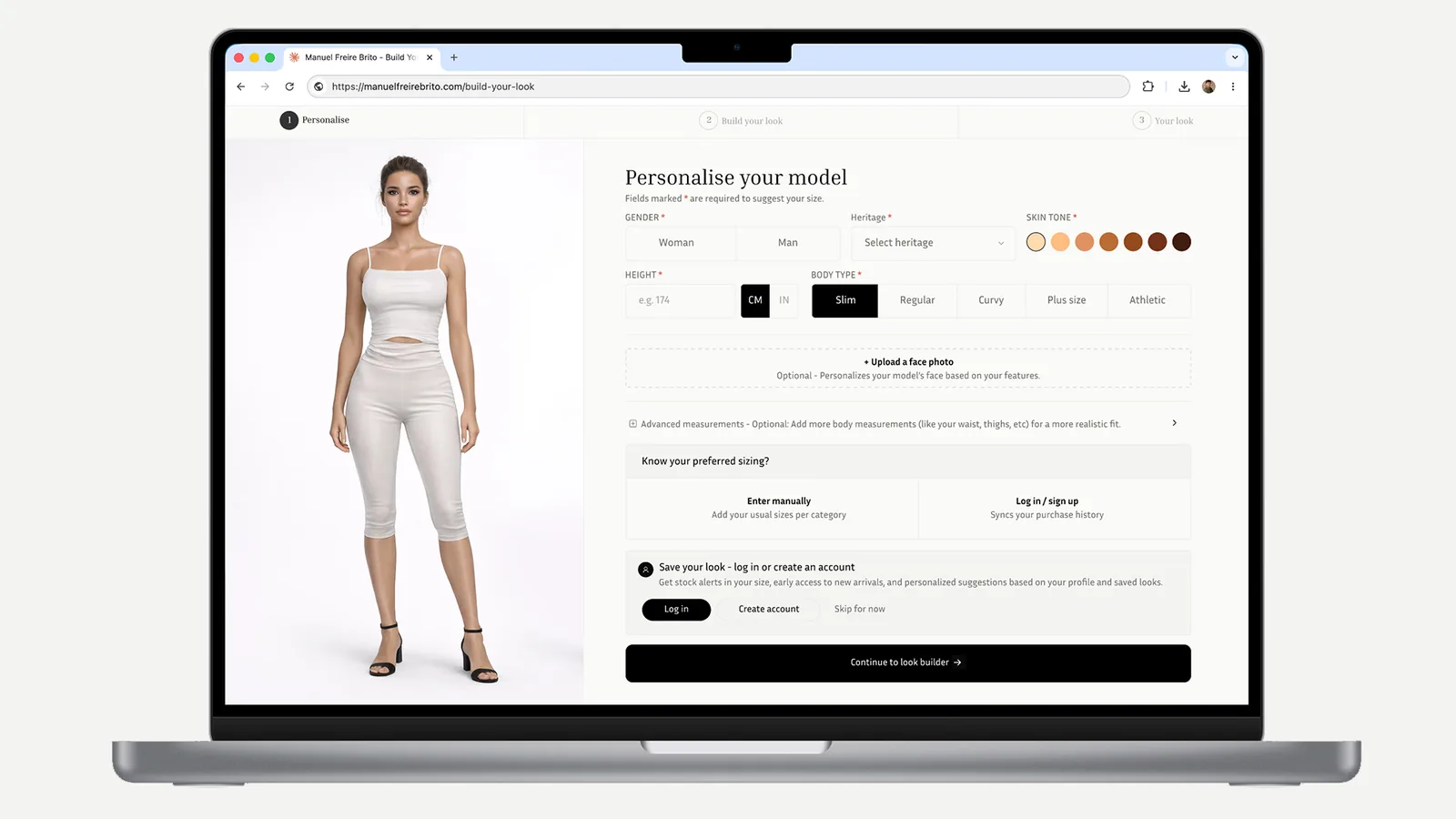
Making the model feel personal immediately
The onboarding screen is split: the figure on the left updates in real time as the user fills in their profile on the right. This is the key design decision — the feedback is immediate, so the user sees the value of providing information as they provide it, rather than at the end.
Six data points are captured: gender, height, body type, skin tone, preferred fit, and usual size (optional). Each one has a clear visual consequence on the model — making the form feel like customisation rather than a data collection exercise.
04 · Screen 3 — The builder
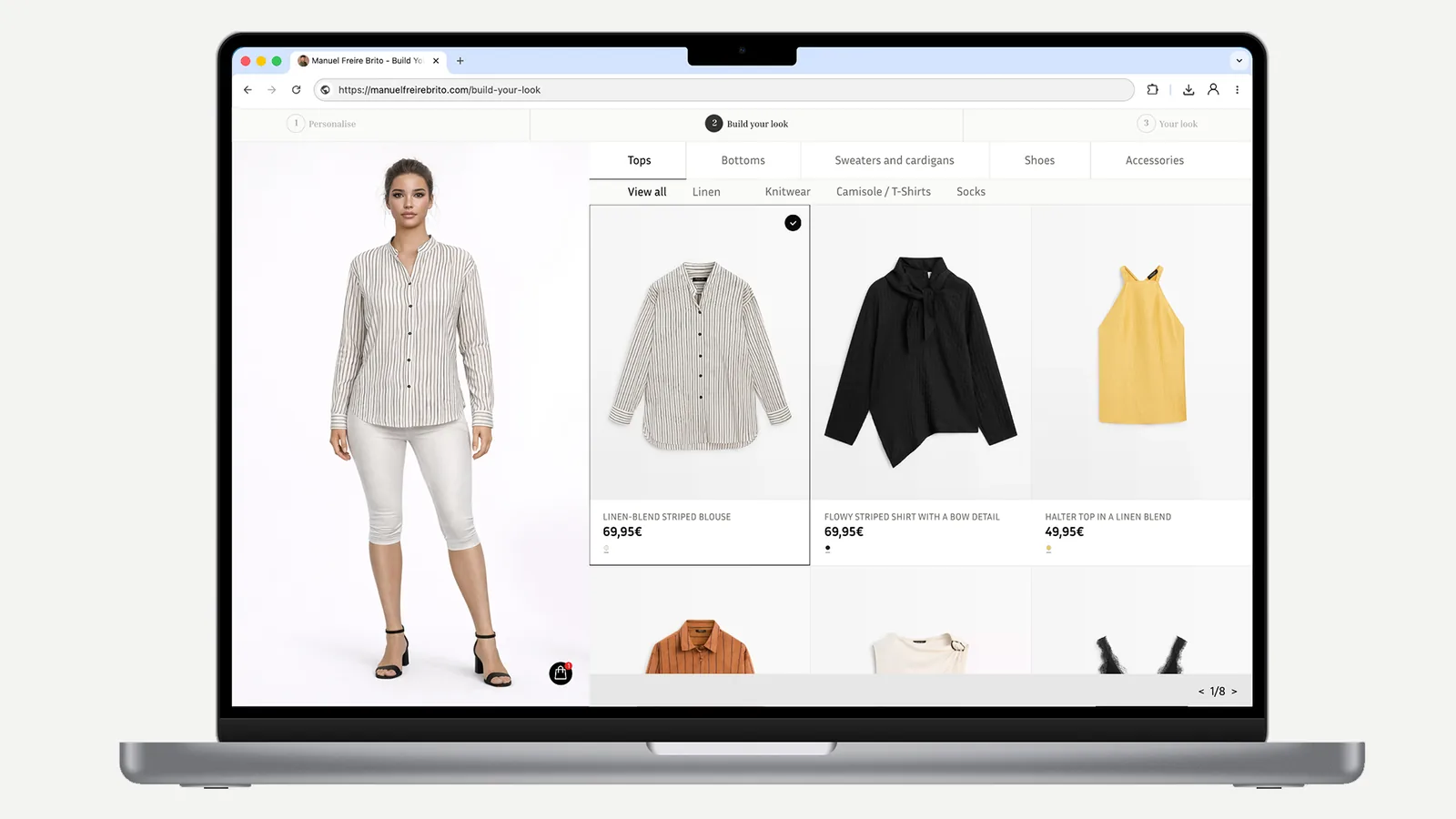
The look comes together in real time
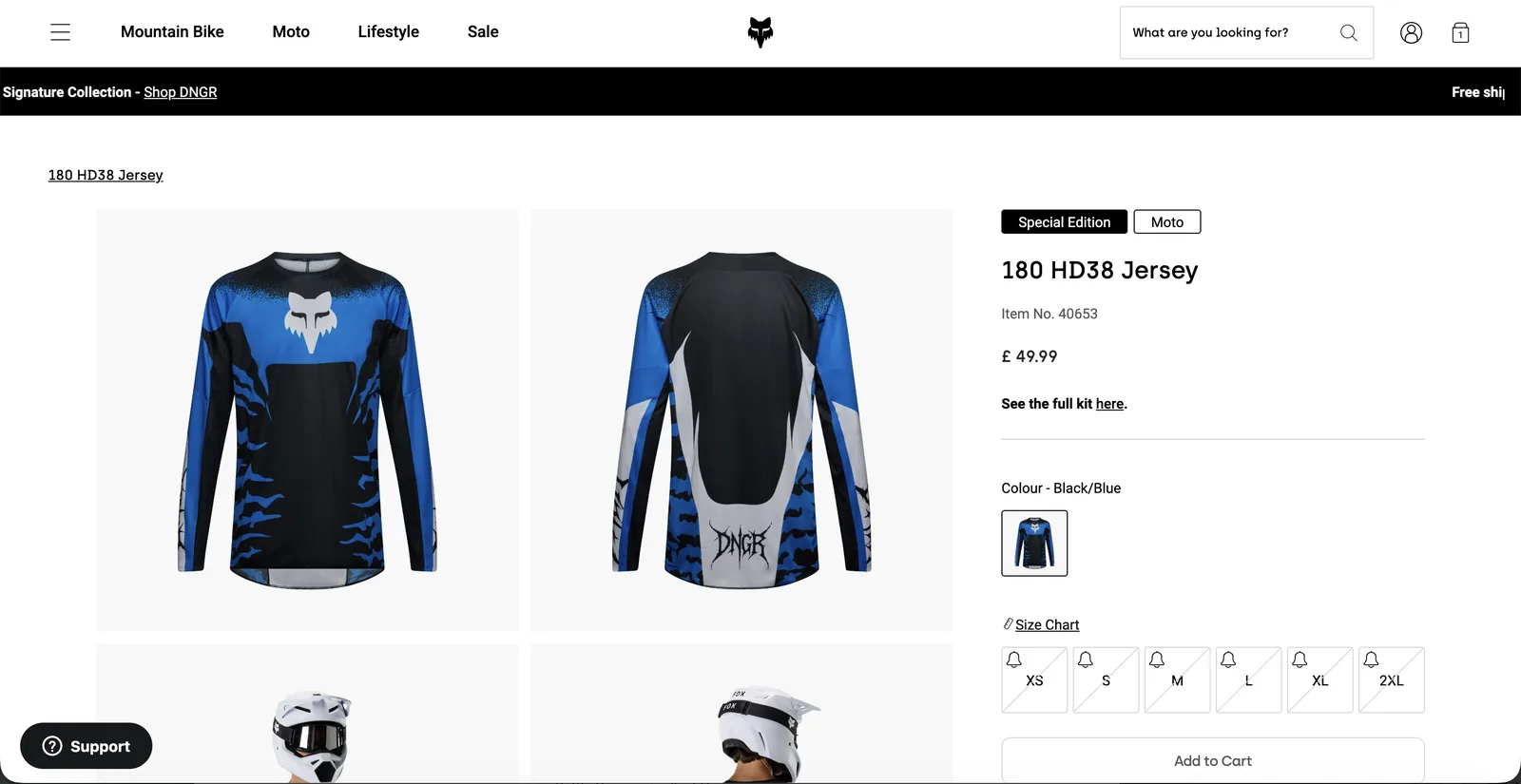
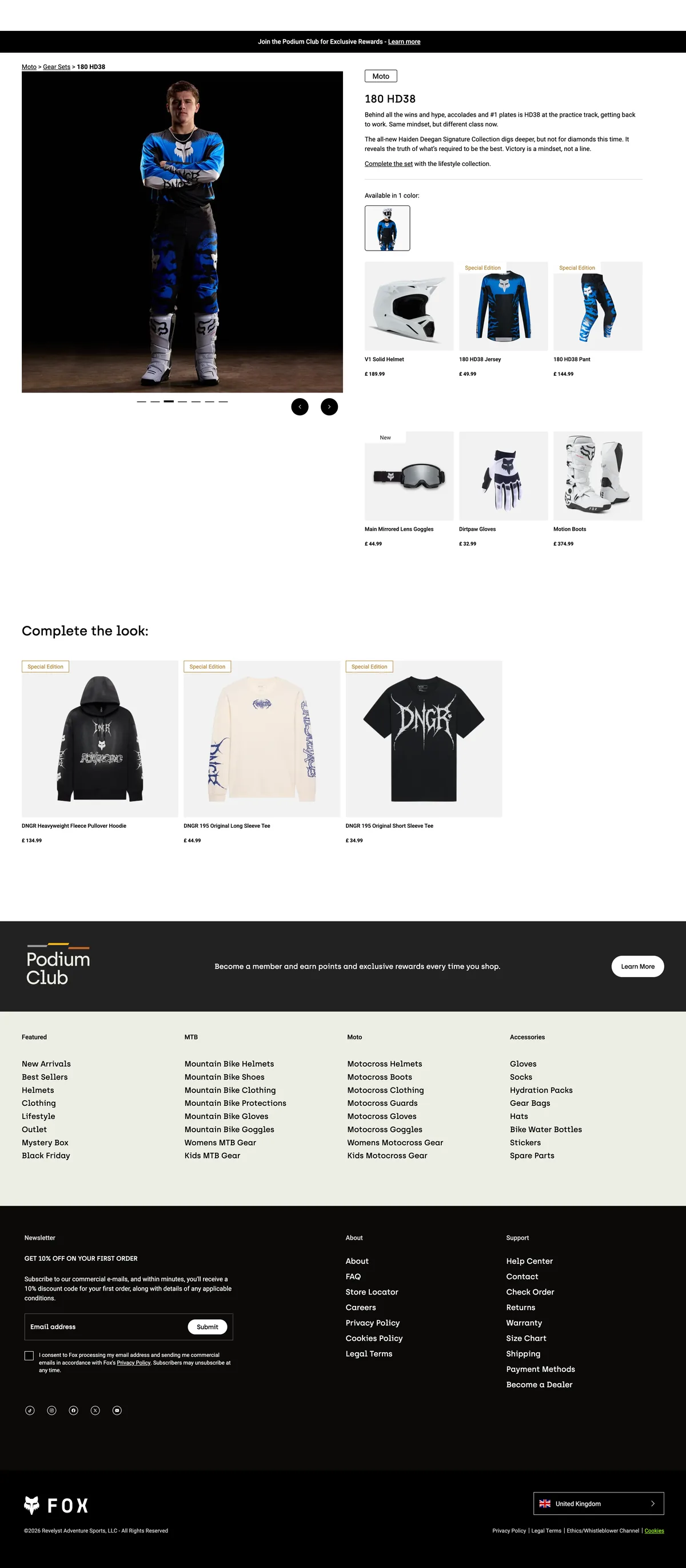
Once onboarding is complete, the experience splits into two halves: the figure on the left, the product selection on the right. As the user adds items, the figure updates — making the creative decision visible before committing to purchase.
Every product is pre-tagged with the user's suggested size based on their profile. This is the payoff for the onboarding investment — the user never has to think about sizing again within the builder.
Tabs keep selection manageable
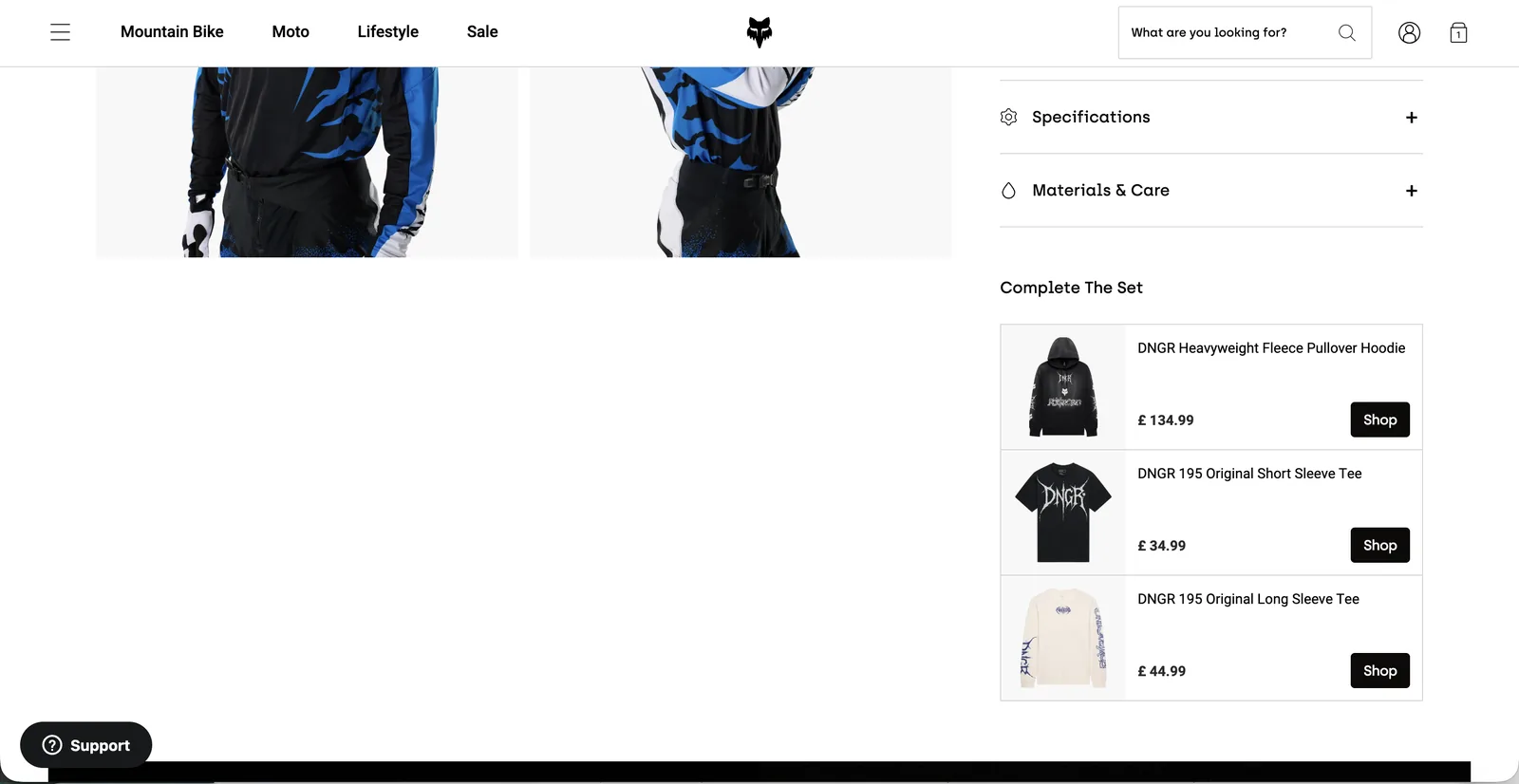
The right panel is organised into tabs — Tops, Bottoms, Shoes, Accessories. Rather than showing everything at once (which would be overwhelming), the tab structure gives the user a clear mental model and lets them complete one category before moving to the next.
05 · Screen 4 — Saved look
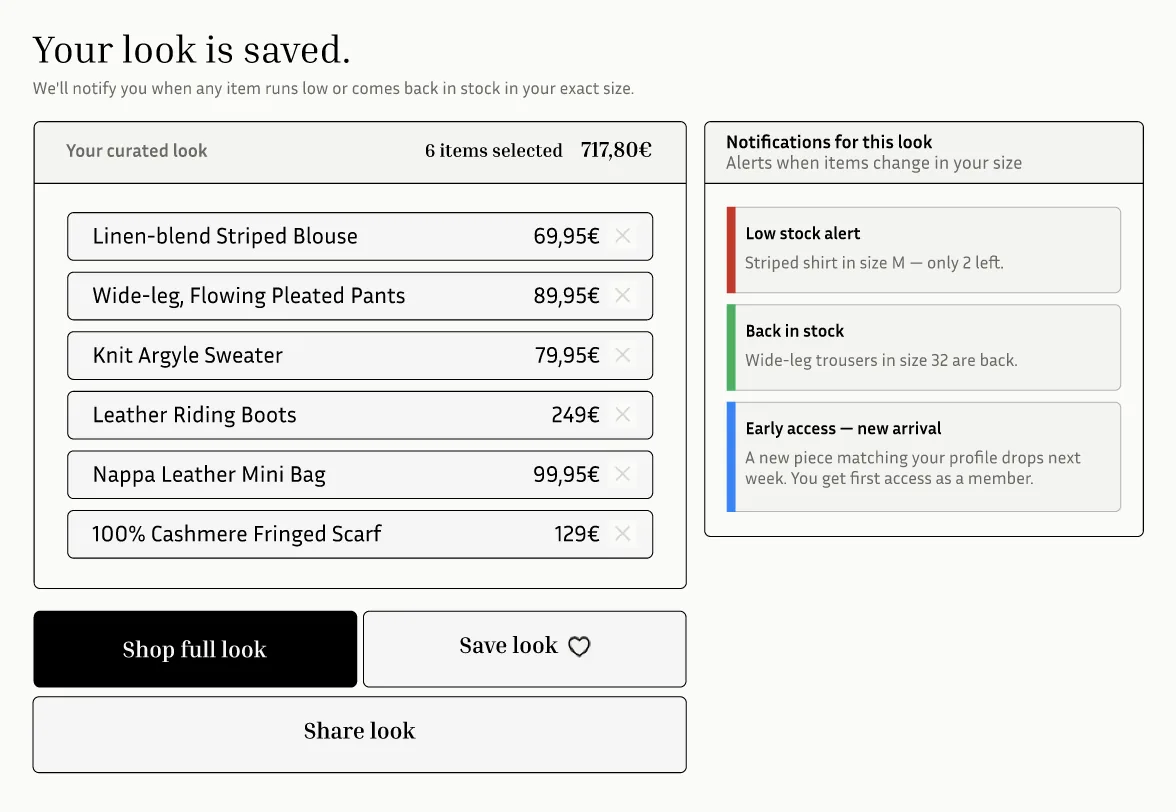
The look becomes a retention engine
When a user saves a look — available to logged-in users, with an invitation to sign up for guests — the experience continues working for them after they leave the site. Stock notifications tied to specific items in their saved look, back-in-stock alerts for their exact size, and personalised suggestions based on their profile all become available.
This is the business case made concrete: the data the user provides to build their look feeds directly into the retention team's toolkit. The user gets value (a curated, sized wardrobe); the brand gets purchase intent data, return visit drivers, and a reason to communicate beyond generic promotional emails.
06 · What I'd do differently
The onboarding still asks for a lot. In a real product I'd pressure-test a lighter entry path — perhaps capturing only gender and height on first use, and progressively building the profile over multiple sessions. The question is whether the size suggestion quality degrades enough to matter without the full profile.
I'd also validate the entry point placement with real session data — my assumption is that product pages are highest intent, but it's possible that category pages or the homepage generate more explorer behaviour that the tool would serve well.
Other projects